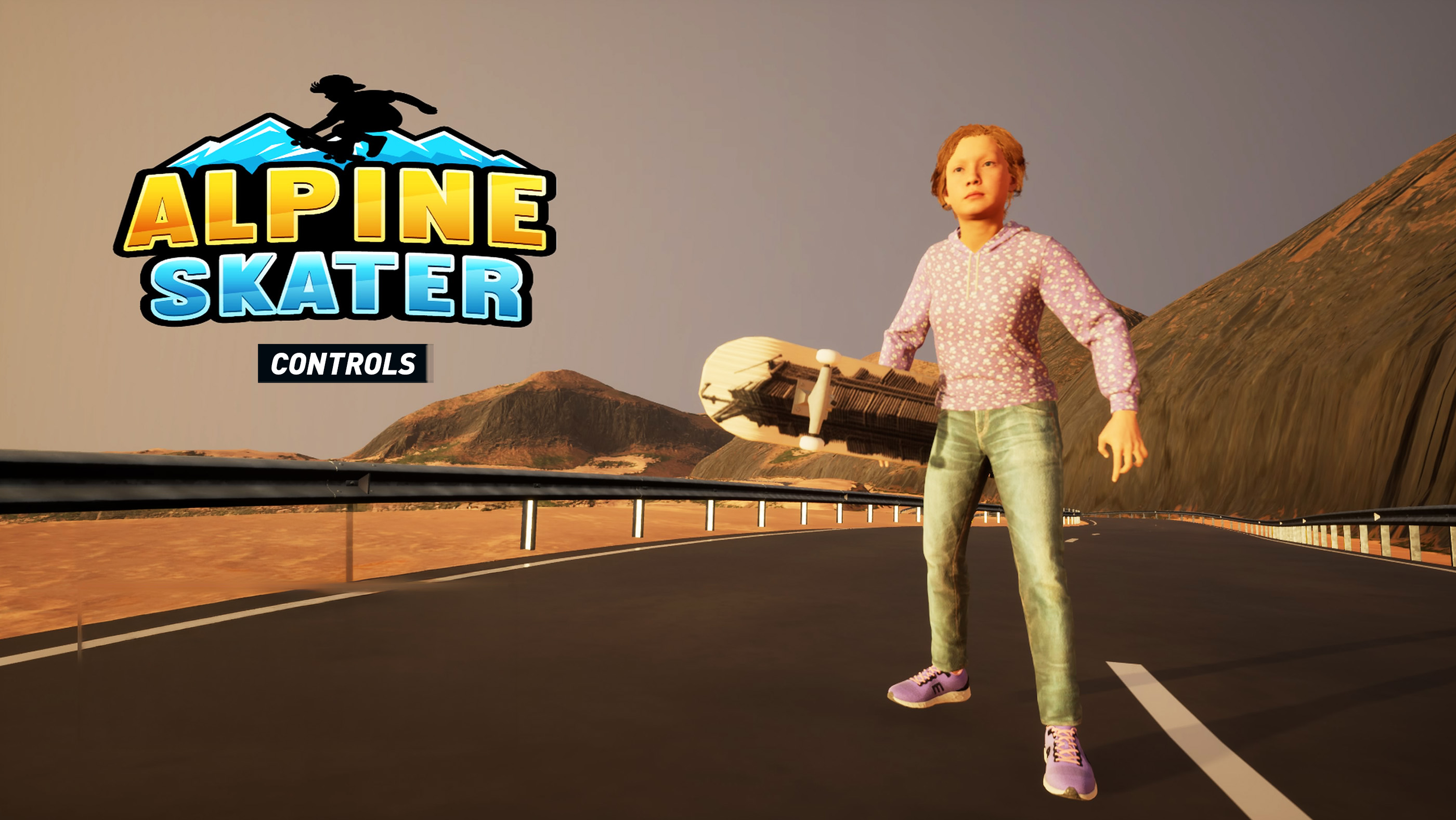
Alpine Skater combines downhill riding with skatepark-style tricks across icy slopes, snow-covered ridges, rocky trails and purpose-built ramps. Its controls are easy to understand at a basic level, but the handling changes noticeably from one mountain surface to another.
Steering smoothly, lining up jumps and landing with the board facing the direction of travel are more important than pressing as many trick buttons as possible. The game includes 12 challenges, several playable skaters and terrain types with different levels of grip, speed and stability.
Alpine Skater uses a twin-stick controller layout: the left stick controls the skater's movement and steering, while the right stick adjusts the camera. Jump, grab, spin and other trick commands are shown through the in-game tutorial and Controls menu.
Alpine Skater Controls
| Action | PlayStation | PC |
|---|---|---|
| Move / Steer | Left Stick | W / A / S / D or Assigned Movement Keys |
| Move Camera | Right Stick | Mouse |
| Accelerate / Push | Check Current Control Prompt | Check Controls Menu |
| Brake / Slow Down | Check Current Control Prompt | Check Controls Menu |
| Jump / Ollie | Check Current Control Prompt | Check Controls Menu |
| Perform Air Trick | Face Button + Direction, as Displayed | Assigned Trick Key + Direction |
| Spin in the Air | Directional Input while Airborne | Movement / Assigned Spin Inputs |
| Grab Board | Displayed Grab Input | Assigned Grab Key |
| Grind Rail | Land on Rail with Board Aligned | Land on Rail with Board Aligned |
| Balance During Grind | Left Stick | A / D or Assigned Balance Inputs |
| Reset Skater | Displayed Reset Input | Assigned Reset Key |
| Restart Challenge | Pause Menu | Pause Menu |
| Pause | Options | Esc |
| Menu Navigation | Left Stick / D-Pad | Mouse / Arrow Keys |
| Confirm | Cross | Enter / Left Mouse Button |
| Back | Circle | Esc / Right Mouse Button |
Binding note: Alpine Skater's publicly available store information does not provide a complete default button map. Open the game's Controls or tutorial screen to confirm the current Jump, Brake, Grab, Trick and Reset bindings. PC bindings may also differ after customization.
How Steering Works
Use the left stick or movement keys to guide the skater. Small inputs produce cleaner lines than suddenly pushing fully left or right.
On a dry ramp or indoor skate surface, the skater can generally change direction more predictably. Snow, ice and loose mountain paths require earlier steering because the board may continue sliding after the input is released.
Make Small Corrections
Constantly moving the stick from one extreme to the other makes the skater unstable. Use short corrections to remain in the centre of a narrow trail or line up with a ramp.
When travelling at high speed:
- Look farther ahead instead of watching the board.
- Begin turning before reaching the obstacle.
- Release the steering input as the board reaches the desired angle.
- Avoid making another large correction immediately.
Use the Camera Independently
The right stick or mouse lets you inspect the route without changing the skater's direction. Move the camera before a jump to find the landing area, then return it behind the skater before takeoff.
A poorly positioned camera can make a simple ramp appear misaligned. Before restarting a challenge, check whether the real problem is your view rather than your approach.
Acceleration and Speed Control
Different challenges may begin with the skater already moving downhill, while flatter areas require active acceleration or pushing. Follow the on-screen prompt for the current mode.
Maximum speed is not always the fastest route to completion. Excess speed can cause:
- Overshooting ramps.
- Missing narrow checkpoint gates.
- Landing beyond a safe platform.
- Sliding off icy corners.
- Entering rocky hazards without enough time to steer.
Brake Before the Turn
Slow down before entering a sharp corner rather than attempting to brake while already sliding sideways. This preserves a cleaner line and gives the board time to regain grip.
Use Terrain to Control Speed
Travelling diagonally across a slope can reduce acceleration compared with pointing directly downhill. Gentle carving is often safer than holding the brake for an entire descent.
Jumping and Ollies
Use the displayed Jump or Ollie input to leave the ground. A clean jump begins with a straight approach and a stable board.
Avoid turning sharply at the exact moment of takeoff. The rotation can continue into the air and make the landing difficult to control.
Time the Jump Near the Ramp Edge
Jumping too early wastes the ramp's upward force. Jumping too late may cause the board to leave the edge without enough height for the intended trick.
A useful rhythm is:
- Align with the centre of the ramp.
- Stop making large steering changes.
- Jump close to the lip.
- Begin the trick after becoming airborne.
- Release the trick and prepare the board for landing.
Performing Air Tricks
Air tricks are performed with the available trick or grab inputs while the skater is airborne. The exact button combination is displayed by the active control layout.
Do not begin with the most complicated combination. First learn how much airtime each ramp provides.
Match the Trick to the Jump
- Small bump: One quick trick or a minor rotation.
- Medium ramp: One complete grab or controlled spin.
- Large jump: A longer grab, larger rotation or combination.
Trying a long animation from a small ramp leaves no time to straighten the board before landing.
Release the Trick Before Landing
End grabs and rotations slightly before the wheels touch the surface. This gives the skater time to return to a neutral position.
A less ambitious trick landed cleanly usually produces a better result than a complex move followed by a crash.
Rotations
Use the appropriate directional or spin input after leaving the ramp. Watch the skater rather than only the scenery.
Stop adding rotation when the board begins facing the landing direction. Continuing to hold the input for an extra moment can turn a clean 180-degree or 360-degree spin into an awkward partial rotation.
Plan the Landing Direction
Before jumping, decide whether the skater should land facing forward or switch. Do not choose the direction halfway through the trick.
Grinding Rails
Approach a rail with the board reasonably parallel to it and land near the centre. Entering from a sharp angle can cause the skater to bounce away or fall immediately.
Use a Straight Approach
Make the final large steering correction several metres before the rail. Use only tiny adjustments during the last part of the approach.
Balance Gently
If the game asks for balance input, make small movements. Correcting too strongly can move the skater from one side of the rail to the other and cause an overcorrection.
Prepare the Exit
Look toward the end of the rail and decide where to land. Do not remain focused on the centre of the grind until the board suddenly runs out of rail.
Landing Tricks Correctly
A successful landing depends on angle, rotation and surface. The board should be close to the direction of travel when it touches down.
Try to land:
- With both feet and the board level.
- Near the centre of the intended path.
- Without holding a grab input.
- With the rotation already stopped.
- On the downward side of a sloped landing when possible.
Landing on a Slope
A downward landing preserves momentum and reduces the severity of the impact. Landing on flat ground after a very large jump is harder to control.
Do Not Steer Aggressively on Contact
Wait for the board to settle before making a sharp turn. Immediate full steering can turn a slightly imperfect landing into a complete fall.
Resetting After a Crash
Use the displayed Reset command when the skater becomes stuck, leaves the useful area or cannot return to the challenge route.
Reset quickly when recovery would take longer than restarting from the nearest valid position. In a timed challenge, spending several seconds trying to climb back onto the path may make the objective impossible.
Restarting the Challenge
Open the pause menu and select Restart when the current run can no longer meet its target.
Restarting is most useful after:
- Missing an early checkpoint.
- Crashing before a long downhill section.
- Losing too much time at the beginning.
- Falling before the main scoring area.
- Entering the wrong route.
Understanding Terrain Physics
Each mountain environment has its own surface feel and hazards. The same steering habit will not work everywhere.
Icy Slopes
Ice reduces grip and increases sliding distance. Begin turns early and avoid sudden reversals.
Snow-Covered Paths
Snow can feel slower and softer. Preserve momentum by using gradual lines rather than excessive braking.
Rocky Trails
Rocky routes reward careful positioning. Look for clear channels between obstacles instead of reacting to each rock separately.
Indoor Skate Areas
Indoor ramps and rails are useful for learning trick timing because the surfaces and approach angles are more predictable.
How to Check or Change Controls
- Open the pause or main menu.
- Select Settings or Options.
- Open the Controls section.
- Review movement, camera, jump, trick, brake and reset actions.
- Select an action if rebinding is supported.
- Press the replacement input.
- Check for duplicate bindings.
- Test the new layout in a free or early challenge.
Recommended Layout Advice
Keep Jump Easy to Reach
Jump is used immediately before most tricks. It should not require moving your thumb far from the steering control.
Separate Brake and Trick Inputs
An accidental brake during an approach can ruin the jump. Keep speed-control and trick commands physically distinct when customization is available.
Keep Reset Away from Common Tricks
Reset should be accessible after a crash but difficult to press accidentally during a combination.
Use Moderate Camera Sensitivity
A fast camera helps inspect the route but can make ramps difficult to centre. Start with a moderate setting and increase it gradually.
Frequently Asked Questions
What are the basic Alpine Skater controls?
Use the left stick or movement keys to steer and the right stick or mouse to control the camera. Jump, tricks, braking and reset use the bindings displayed in the tutorial or Controls menu.
Does Alpine Skater support a controller?
Yes. The PlayStation edition is designed for a gamepad, and the PC edition supports direct player control.
How do you perform tricks?
Leave a ramp with the Jump or Ollie command, then use the displayed trick, grab or directional inputs while airborne.
Why do I crash after a trick?
The animation or rotation probably continued too close to the landing. Release the trick earlier and align the board with the direction of travel.
How do you grind a rail?
Approach the rail in a straight line, jump onto it with the board aligned and use gentle balance corrections where required.
How do you slow down on ice?
Brake before the corner and use wide, gradual turns. Avoid sudden left-to-right inputs.
How many challenges are in Alpine Skater?
The full game contains 12 challenges. The demo includes two.
Are there different playable skaters?
Yes. Multiple skaters are available as players progress through the mountain regions.
Do different surfaces affect handling?
Yes. Mountain environments have their own physics, surface feel and hazards.
Is there a free-skating area?
Gameplay footage of the demo shows an open skate-hall mode used for ramps, rails, tricks and physics practice.
How do I restart a failed run?
Open the pause menu and choose Restart Challenge, or use the displayed Reset command when only the skater's position needs to be corrected.
Why does the board keep sliding after I release the stick?
The current surface has low grip. Begin turns earlier and use smaller corrections.
What is the best place to practise?
Use a free or indoor skating area where ramps and surfaces are predictable before attempting mountain challenges.
Should I always use maximum speed?
No. High speed helps on straight descents but makes narrow turns, rails and precise landings harder.
What is the most important beginner control tip?
Separate steering from camera movement. Use the left stick for the board and the right stick only to inspect and centre the route.
Final Control Advice
Alpine Skater is easier when you stop treating every challenge as a race to maximum speed. Read the surface, centre the camera and approach each ramp with the board already pointing toward the intended landing.
Learn one jump and one trick at a time. Clean steering and reliable landings will carry you farther than complicated combinations performed without enough airtime.
Continue with our Alpine Skater Tips and Tricks Guide for challenge progression, terrain handling, tricks, rails, scoring, route planning and cleaner landings.
Comments
No comments yet. Be the first to share your thoughts!