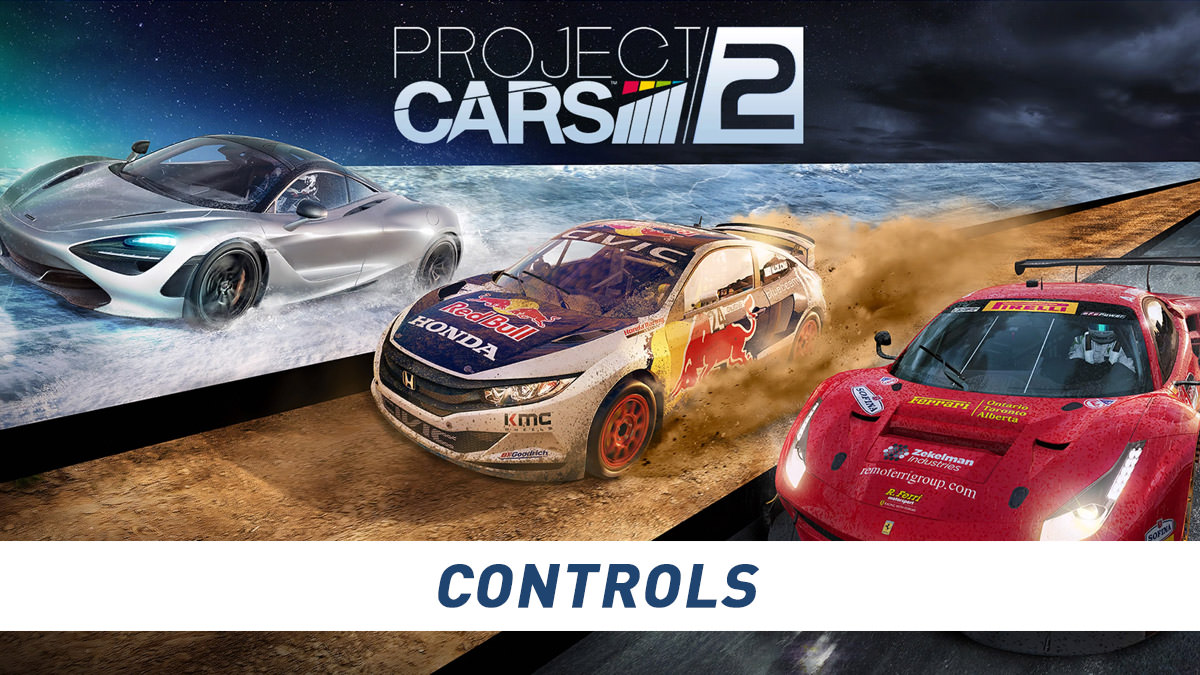
Project CARS 2 controls and moves list for PlayStation 4, Xbox One and PC controllers. Slightly Mad Studios created Project CARS 2, which was published and distributed by Bandai Namco Entertainment.
Project CARS 2 Controls (Moves and Buttons)
| Action | PlayStation 4 | Xbox One / PC |
|---|---|---|
| Steering | L | L |
| Throttle / Accelerate | R2 | RT |
| Brake | L2 | LT |
| Handbrake | X | A |
| Gear Up | R1 | RB |
| Gear Down | L1 | LB |
| KERS | ◯ | B |
| Cycle Camera | ▢ | X |
| Look Back | △ | Y |
| Look Up | R Up | R Up |
| Look Down | R Down | R Down |
| Look Left | R Left | R Left |
| Look Right | R Right | R Right |
| Reset Car | Press Touch Pad | Press Touch Pad |
| Cycle HUD Display | D-Pad Left | D-Pad Left |
| Split times | D-Pad Right | D-Pad Right |
| Car Management | D-Pad Up | D-Pad Up |
| ICM Menu Up | D-Pad Up | D-Pad Up |
| ICM Menu Down | D-Pad Down | D-Pad Down |
| ICM Menu Left | D-Pad Left | D-Pad Left |
| ICM Menu Right | D-Pad Right | D-Pad Right |
Comments 3
My problem is that I find that the joystick gives me little control over the steering.
On more recent Project Cars games downloaded from the Sony PS store, I am able to much more accurately steer by tilting my whole controller, only needing the joystick occasionally for sudden, sharp turns.
Why does the controller not work in this way on Project Cars and Project Cars 2 and is there any way to gain steering control in this manner on Project Cars?
Many Thanks,
Regards. Frank.