Mafia: The Old Country control layout and button mapping for PlayStation, Xbox and PC controllers are detailed below. Set in a grounded historical setting, the game features four distinct control schemes depending on gameplay context: On Foot, Vehicle, Horse and Duel. Each mode uses a tailored layout designed to reflect weighty movement, deliberate combat and cinematic pacing.
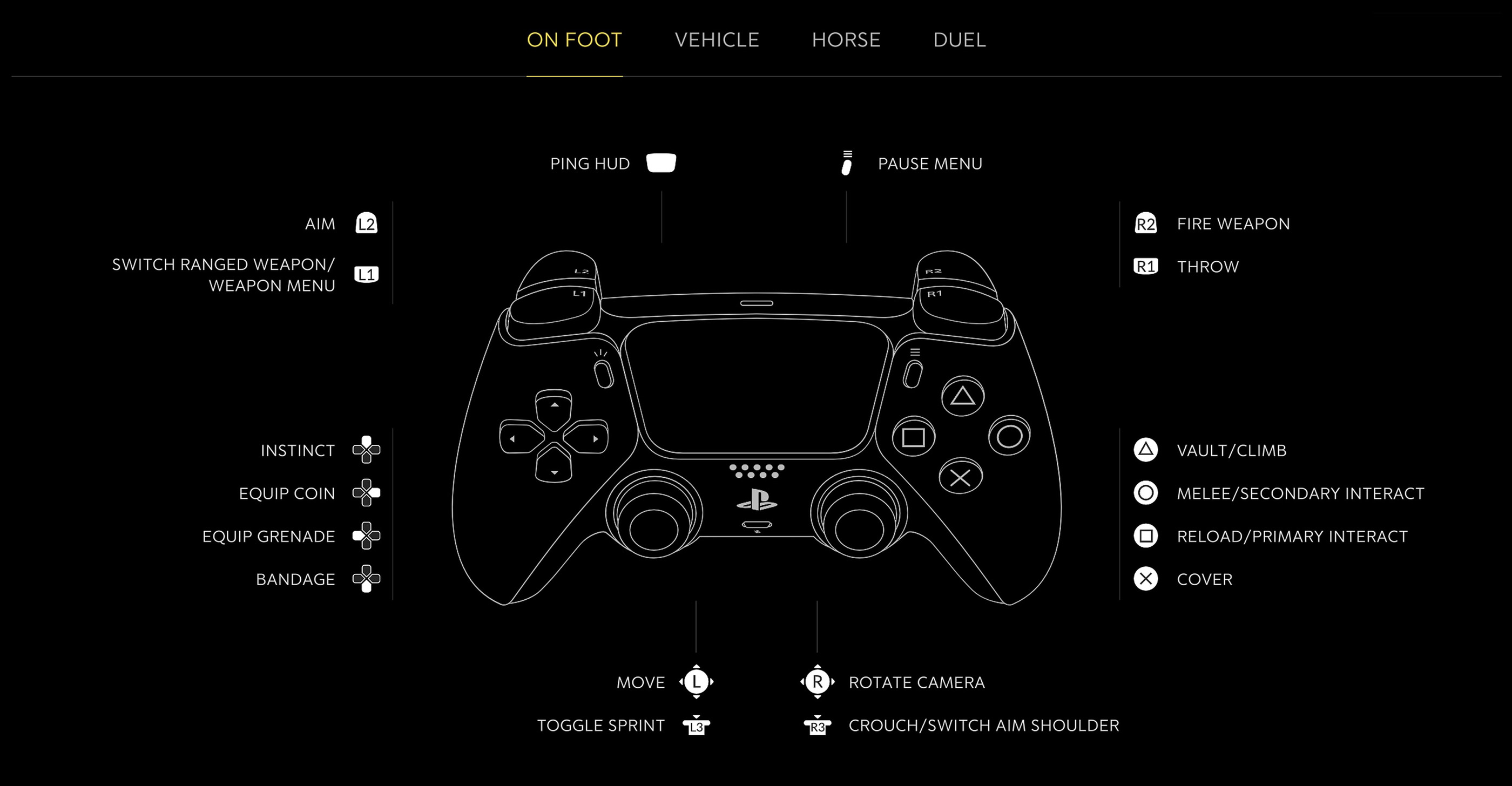
On Foot Controls
| Action | PlayStation | Xbox / PC |
|---|---|---|
| Move | L | L |
| Rotate Camera | R | R |
| Toggle Sprint | L3 | LS |
| Crouch / Switch Aim Shoulder | R3 | RS |
| Aim | L2 | LT |
| Fire Weapon | R2 | RT |
| Throw | R1 | RB |
| Switch Ranged Weapon / Weapon Menu | L1 | LB |
| Vault / Climb | Triangle | Y |
| Melee / Secondary Interact | Circle | B |
| Reload / Primary Interact | Square | X |
| Cover | X | A |
| Ping HUD | Touchpad | View |
| Pause Menu | Options | Menu |
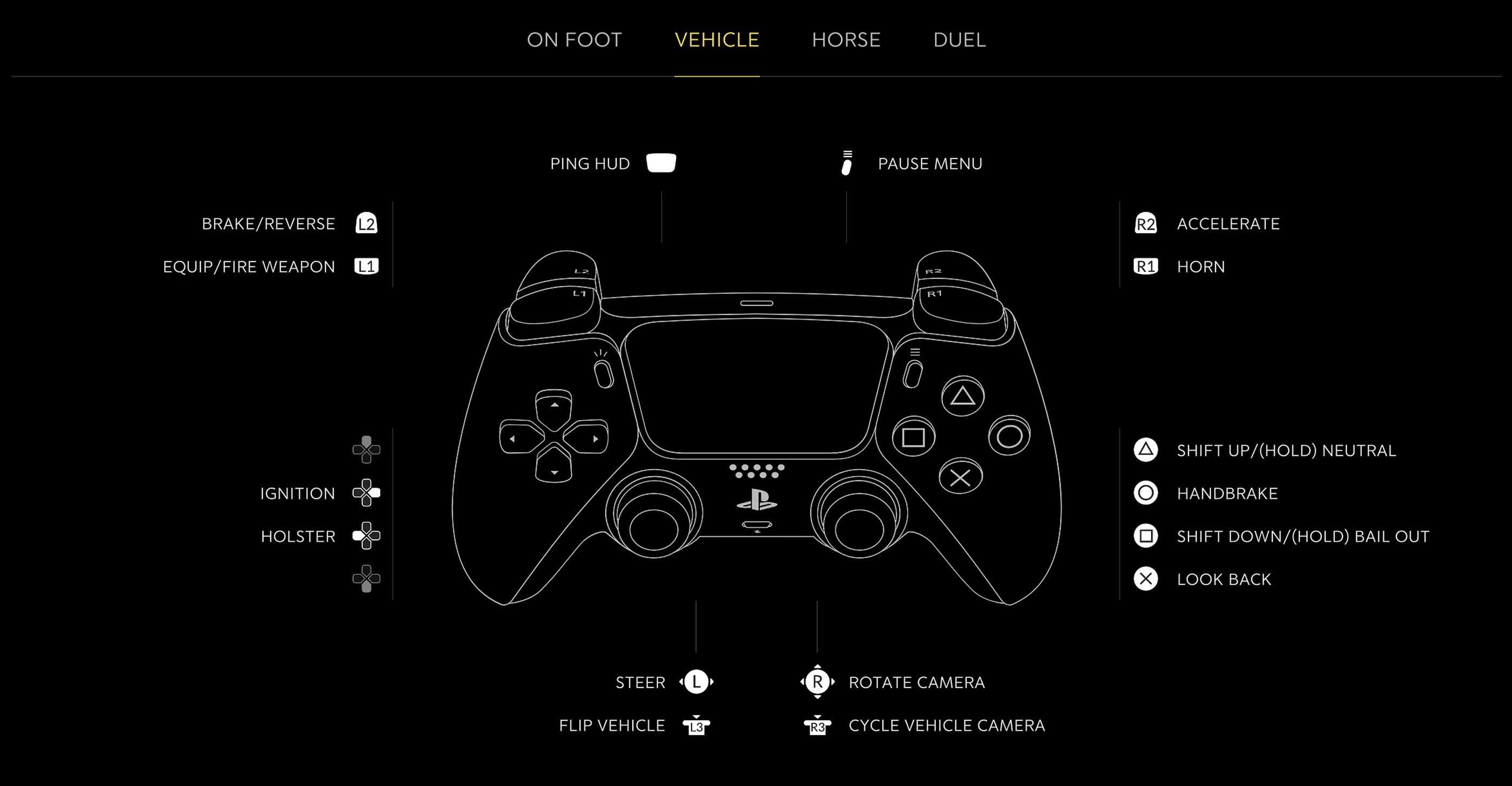
Vehicle Controls
| Action | PlayStation | Xbox / PC |
|---|---|---|
| Steer | L | L |
| Rotate Camera | R | R |
| Flip Vehicle | L3 | LS |
| Cycle Vehicle Camera | R3 | RS |
| Accelerate | R2 | RT |
| Brake / Reverse | L2 | LT |
| Horn | R1 | RB |
| Equip / Fire Weapon | L1 | LB |
| Shift Up / Hold Neutral | Triangle | Y |
| Handbrake | Circle | B |
| Shift Down / Hold Bail Out | Square | X |
| Look Back | X | A |
| Ping HUD | Touchpad | View |
| Pause Menu | Options | Menu |
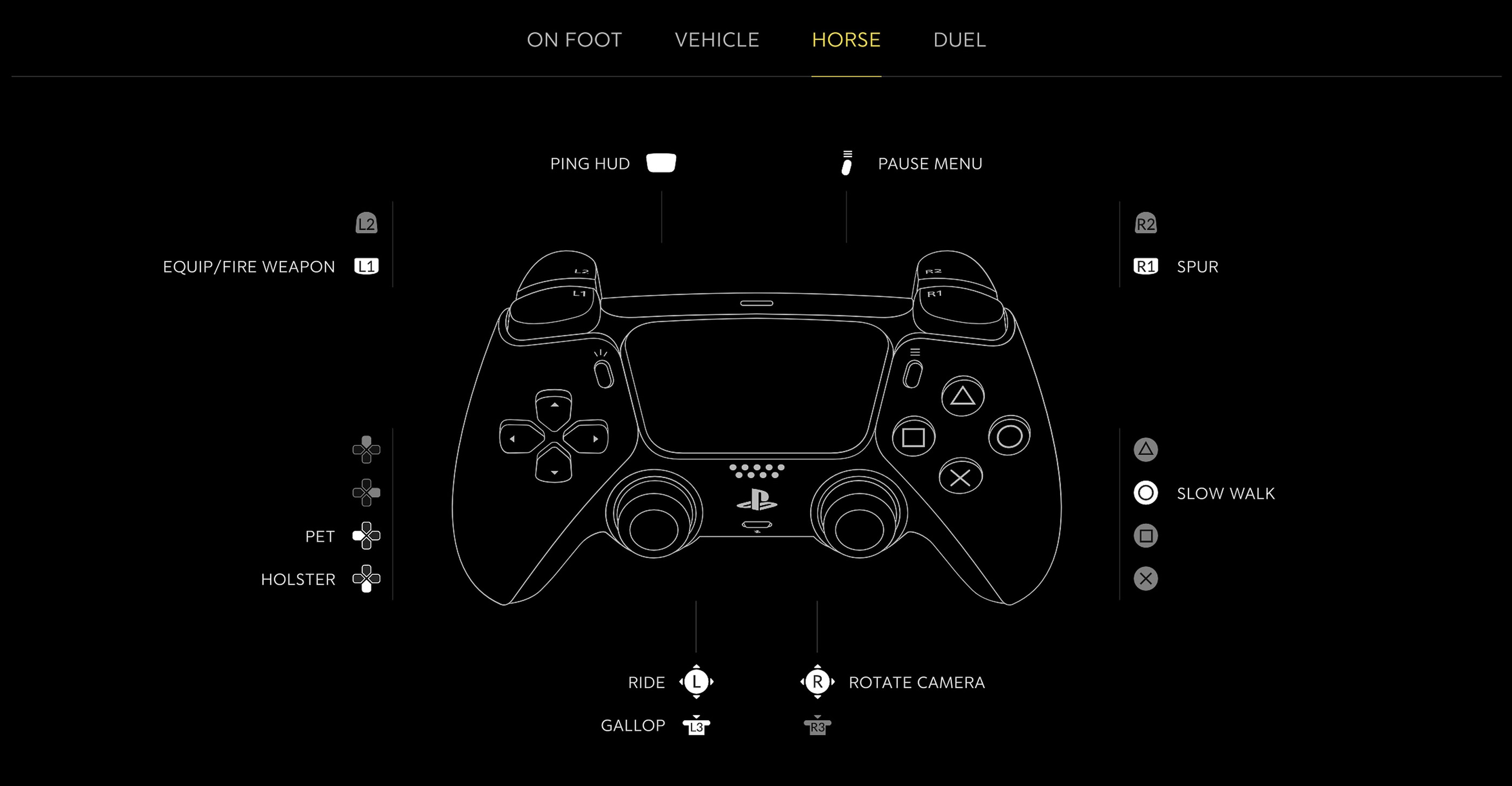
Horse Controls
| Action | PlayStation | Xbox / PC |
|---|---|---|
| Ride | L | L |
| Rotate Camera | R | R |
| Gallop | L3 | LS |
| Spur | R1 | RB |
| Equip / Fire Weapon | L1 | LB |
| Slow Walk | Circle | B |
| Ping HUD | Touchpad | View |
| Pause Menu | Options | Menu |
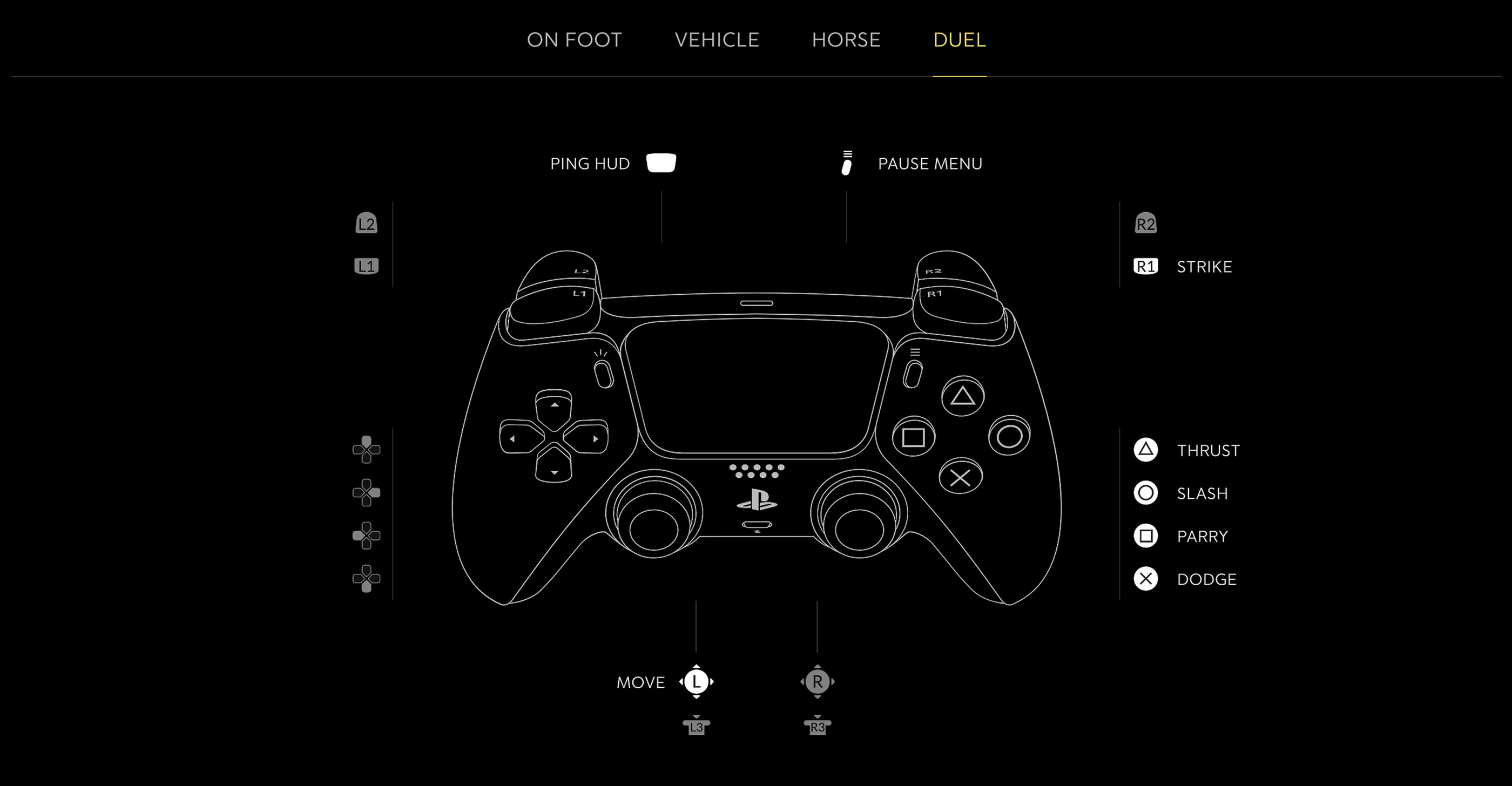
Duel Controls
| Action | PlayStation | Xbox / PC |
|---|---|---|
| Move | L | L |
| Strike | R1 | RB |
| Thrust | Triangle | Y |
| Slash | Circle | B |
| Parry | Square | X |
| Dodge | X | A |
| Ping HUD | Touchpad | View |
| Pause Menu | Options | Menu |
Comments
No comments yet. Be the first to share your thoughts!