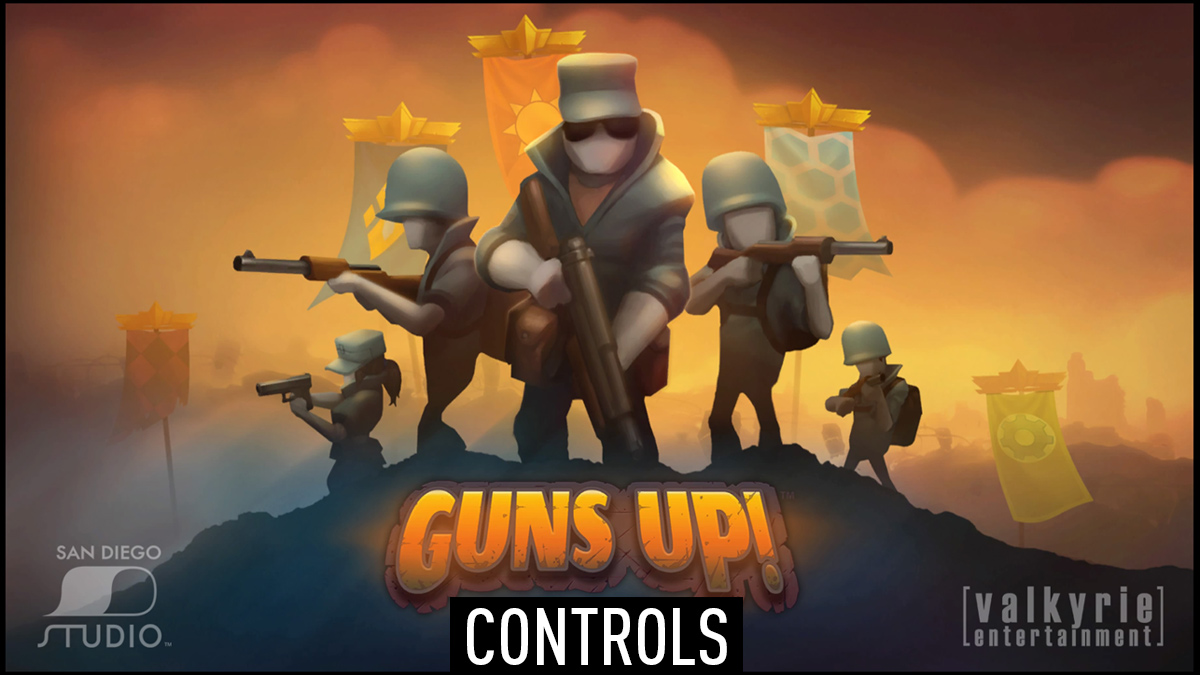
Guns Up! control instructions for PlayStation, PC and Xbox controllers including button layouts for attack, defend and menu options in campaign's base.
Valkyrie Entertainment's Guns Up! is a free-to-play action strategy game published by Sony Computer Entertainment. Guns Up! game is available for free on PlayStation 3, PlayStation 4, Microsoft Windows and PlayStation Vita platforms.
Gameplay Controls
| Action | PlayStation | Xbox One / PC |
|---|---|---|
| Menu Selection | L | L |
| Move Camera | R | R |
| Cancel Menu or Special | X | A |
| Grab Pickups | Square | X |
| Deploy Selection | Circle | B |
| Move Cameras to the Front Line | Triangle | Y |
| Pan Camera Right | R2 | RT |
| Tactical View | L1 | LB |
| Pan Camera Left | L2 | LT |
| Specials Menu | D-Pad Up | D-Pad Up |
| Distract | D-Pad Left | D-Pad Left |
| Menu Selection | D-Pad Left / Right | D-Pad Left / Right |
| Units Menu | D-Pad Down | D-Pad Down |
Build Mode Controls
| Action | PlayStation | Xbox One / PC |
|---|---|---|
| Menu Selection | L | L |
| Move Camera | R | R |
| Cancel / Back | X | A |
| Remove Object | Square | X |
| Pick Up / Drop Object | Circle | B |
| Precision Mode | R2 | RT |
| Pan Camera Right | R2 | RT |
| Tactical View | L1 | LB |
| Pan Camera Left | L2 | LT |
Comments
No comments yet. Be the first to share your thoughts!